
AI in mobile app development has moved past the experimental stage. Product teams now face a practical question: which AI features belong in the product, and how should they be built? This guide covers the features, architecture decisions, cost ranges, and compliance considerations that founders, product managers, and CTOs need before starting an AI-powered mobile project.
What AI changes in mobile app development
Traditional mobile apps follow deterministic logic. A user taps a button, the app runs a predefined function, and the result is always the same. AI introduces probabilistic behavior: the app observes patterns, makes predictions, and adapts outputs based on data.
This shift affects every layer of the product. The UI needs to handle variable outputs and confidence scores. The backend needs data pipelines, model serving infrastructure, or API integrations. QA needs new testing strategies because outputs are no longer fully predictable.
For mobile development teams, the change is less about adding a single "AI feature" and more about rethinking how the app processes information. A recommendation engine, a document scanner, or a predictive alert system each require different data, different infrastructure, and different user experience patterns.
Apple now offers a stack of on-device machine learning frameworks, including Core ML, Vision, Natural Language, Speech, and the newer Core AI and Foundation Models APIs, designed to run inference locally without server round-trips. Android provides AI tooling through Gemini Nano, AICore, and ML Kit for common tasks like text recognition and pose detection. These platform-level tools mean that some AI features can ship without any cloud dependency at all.

AI app features worth building first
Not every AI capability makes sense for every product. The right feature depends on the user workflow, available data, and the problem being solved. Below is a breakdown of the most common AI feature categories, along with guidance on where they fit.
Personalization and recommendations
Recommendation engines rank content, products, or actions based on user behavior. They work well in e-commerce, media, health, and education apps where the catalog is large enough that users benefit from filtering.
Data requirements are significant. You need behavioral signals (views, clicks, purchases, session time) and enough volume to train or fine-tune a model. For early-stage apps with small user bases, rule-based personalization often outperforms ML until the dataset grows.

Conversational support and copilots
Chat-based AI ranges from simple FAQ bots to context-aware copilots that can take actions inside the app. The current generation of large language models (LLMs) makes conversational interfaces far more capable than the scripted chatbots of a few years ago.
The decision point is whether to use a hosted API (OpenAI, Anthropic, Google) or deploy a smaller model. Hosted APIs are faster to integrate but add per-request cost and require sending user data to a third party. Smaller on-device or self-hosted models reduce latency and keep data private but need more engineering effort.
Computer vision and document/image workflows
Vision-based features include document scanning, object detection, visual search, quality inspection, and augmented reality overlays. Both Apple Vision and Android ML Kit provide pre-trained models for common tasks like barcode scanning, face detection, and text recognition.
Custom vision models, such as systems that identify product defects or classify medical images, require labeled training data and more development time. If the use case maps to a pre-trained model, the build is measured in days. If it requires custom training, plan for weeks to months.
Voice interfaces and accessibility
Voice input and output improve accessibility and enable hands-free workflows in logistics, healthcare, field service, and automotive contexts. Apple Speech and Android speech recognition APIs handle transcription on-device, while cloud services like Google Cloud Speech-to-Text or Whisper offer higher accuracy for complex audio.

Voice interfaces also raise UX design questions. Users need clear feedback about what the system understood, and the app needs graceful fallbacks when recognition fails.
Predictive alerts and anomaly detection
Predictive features analyze historical data to surface warnings or opportunities before the user asks. Examples include churn prediction in SaaS apps, maintenance alerts in IoT-connected products, health trend warnings in wellness apps, and demand forecasting in logistics platforms.
These features depend heavily on data quality. A predictive model trained on incomplete or biased data will generate false alerts that erode user trust. Start with a well-scoped prediction target and a clean dataset before investing in model complexity.
Workflow automation and smart operations
AI can automate repetitive tasks inside the app: auto-categorizing expenses, routing support tickets, scheduling deliveries based on traffic and demand, or pre-filling forms from photos. These features reduce manual effort and speed up core workflows.
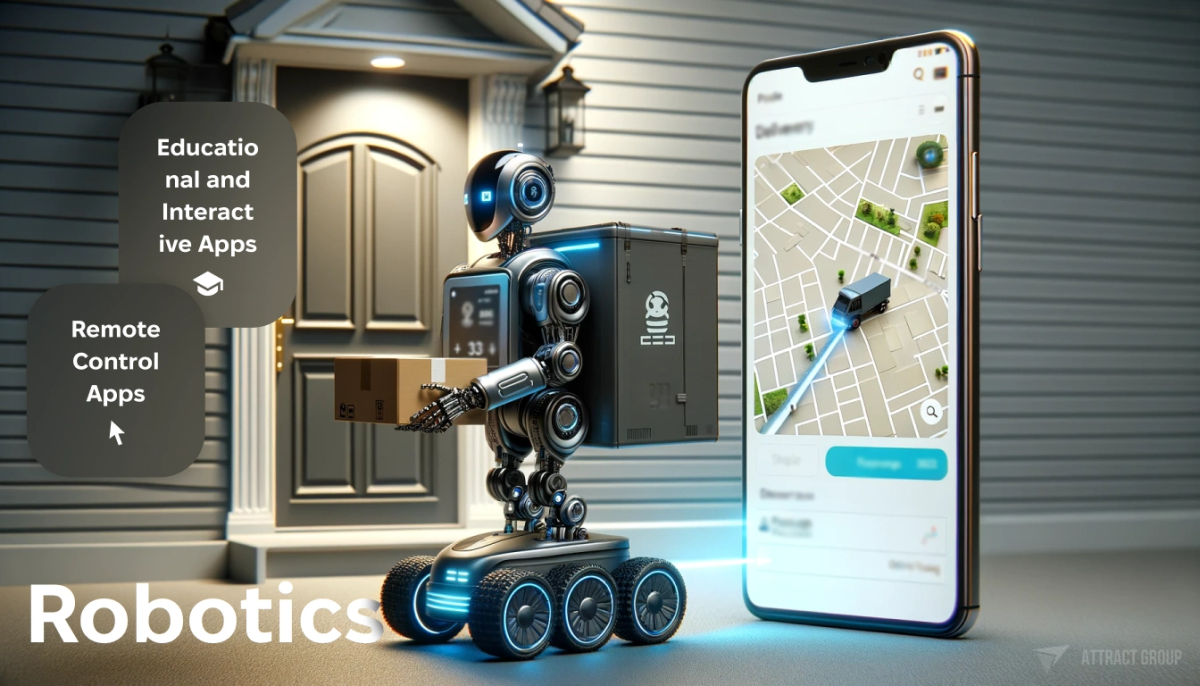
For apps in logistics or field service, similar to the workflows in an Uber-like on-demand delivery app, automation features often deliver the clearest ROI because they directly reduce operational cost per transaction.
Unlock the potential of AI in your mobile app
Elevate your app’s capabilities and offer an unmatched user experience
Cloud AI, on-device AI, or hybrid: choosing the architecture
Architecture choice affects cost, latency, privacy posture, and offline behavior. There is no single correct answer; the right approach depends on the feature.
| Factor | Cloud AI | On-device AI | Hybrid |
|---|---|---|---|
| Latency | Higher (network round-trip) | Low (local inference) | Varies by task |
| Privacy | Data leaves the device | Data stays on device | Sensitive data stays local; other tasks use cloud |
| Offline support | None | Full | Partial |
| Model size/capability | Large models available | Constrained by device hardware | Best of both |
| Cost model | Per-request API fees | No inference cost after deployment | Mixed |
| Model updates | Instant (server-side) | Requires app update or model download | Flexible |
| Best fit | Complex NLP, large-scale recommendations, generative tasks | Real-time vision, speech, health sensors, privacy-sensitive features | Most production apps |
Most production apps end up with a hybrid approach. A health-tracking app like SleepTrack might run sensor analysis on-device for real-time feedback while sending anonymized trend data to a cloud model for long-term pattern detection.
When evaluating architecture, consider these questions:
- Does the feature need to work offline or in low-connectivity environments?
- Does the data contain personally identifiable information (PII) or protected health information (PHI)?
- How often does the model need to be updated, and can users tolerate app updates for model changes?
- What is the expected inference volume, and how does per-request pricing scale?
For iOS app development, Apple's on-device stack is mature and well-documented. For Android app development, Gemini Nano and ML Kit cover common on-device use cases, though device fragmentation across Android hardware means performance testing across chipsets is more involved.
How to plan an AI mobile app project
Planning an AI mobile app differs from a standard app project in a few specific ways.
Define the prediction or decision target first. Before selecting models or tools, clarify what the AI feature should output. "Recommend products" is too vague. "Rank the top 5 products by predicted purchase probability for this user session" is specific enough to design around.
Audit available data early. AI features are only as good as the data behind them. Map out what data you already collect, what additional data you would need, how it will be labeled or structured, and whether you have enough volume. If the data does not exist yet, plan a data collection phase before model development.
Decide build vs. buy for each feature. Some AI capabilities are best handled by third-party APIs (translation, general-purpose chat, standard OCR). Others, especially features that are core to your product differentiation, may justify custom model development. A custom AI solutions approach makes sense when off-the-shelf APIs do not fit the domain or when you need full control over the model.
Plan for iteration. AI features rarely ship perfectly on the first release. Build measurement into the product from day one: track prediction accuracy, user engagement with AI-driven outputs, and error rates. Plan for a feedback loop where user corrections improve the model over time.
Choose the right cross-platform strategy. If you are targeting both iOS and Android, frameworks like React Native can share UI and business logic while calling platform-specific ML APIs through native modules. This reduces duplication without sacrificing access to on-device AI capabilities.
Cost and timeline ranges for AI mobile app development
AI app costs vary widely based on feature complexity, data readiness, and architecture. The ranges below are project-planning estimates, not fixed prices. Use the mobile app cost calculator for a more tailored estimate.
MVP with one or two AI features (API-based): $40,000-$80,000, 3-5 months. This covers a standard mobile app with integrated third-party AI services, for example, a chatbot powered by a hosted LLM and a recommendation feed using a managed ML service.
Production app with custom AI models: $100,000-$250,000+, 6-12 months. This includes data pipeline development, model training and validation, on-device or hybrid deployment, and the mobile app itself. Timeline depends heavily on data availability and labeling effort.
AI feature addition to an existing app: $20,000-$60,000, 2-4 months. Adding a single well-scoped AI feature (smart search, document scanning, predictive alerts) to an existing codebase through AI integration services.
Cost drivers that push budgets higher include: custom model training with large datasets, multi-language NLP, real-time video or audio processing, regulatory compliance requirements (HIPAA, GDPR), and the need for ongoing model monitoring and retraining infrastructure.
Security, privacy, and compliance risks
AI features introduce specific risks that standard mobile apps do not face.
Data exposure during inference. When user data is sent to a cloud AI service, it may be logged, stored, or used for model training by the provider. Review the data processing agreements of every third-party AI API. For sensitive domains (healthcare, finance, legal), on-device inference or self-hosted models may be required.
Model inversion and data leakage. In some cases, a trained model can leak information about its training data. This matters when models are trained on proprietary or personal data and then distributed on-device.
Bias and fairness. AI models can produce biased outputs if the training data is unrepresentative. For features that affect user access, pricing, or recommendations, audit model outputs across demographic groups before launch.
Regulatory compliance. GDPR requires transparency about automated decision-making and gives users the right to request human review. The EU AI Act introduces risk-based requirements for AI systems. HIPAA applies to health-related AI features in the US. Build compliance into the design phase, not as an afterthought.

Practical steps to reduce risk:
- Minimize the data sent to cloud AI services. Send only what the model needs, not full user profiles.
- Use differential privacy or federated learning techniques when training on user data.
- Log AI outputs and user corrections for auditability.
- Provide users with clear controls to opt out of AI-driven features.
- Document model behavior, training data sources, and known limitations.
Choosing the right AI app development partner
Building AI into a mobile app requires overlapping skill sets: mobile platform engineering, ML/data engineering, UX design for probabilistic interfaces, and backend infrastructure for data pipelines and model serving. Few internal teams have all of these capabilities on day one.
When evaluating a development partner, look for:
- Demonstrated mobile and AI project experience. Ask for case studies that show both the mobile app and the AI component, rather than one side in isolation.
- Architecture decision process. A good partner will ask about your data, your users, and your constraints before recommending a technology stack. Be cautious of teams that default to a single approach for every project.
- Data engineering capability. Model development is only part of the work. The partner should be able to build the data pipelines, labeling workflows, and monitoring systems that keep AI features accurate after launch.
- Post-launch support model. AI features need ongoing monitoring, retraining, and tuning. Clarify how the partner handles model drift, accuracy degradation, and feature iteration after the initial build.
Attract Group provides mobile development and custom AI delivery as integrated services, covering architecture planning, model selection, mobile engineering, and post-launch optimization under one engagement.

Ready to revolutionize your mobile app with AI?
Discover our AI and mobile app development solutions and take the first step towards a future-proof app
FAQ
When should I use a third-party AI API versus training a custom model?
Use third-party APIs when the task is general-purpose (translation, summarization, standard image recognition) and the API accuracy meets your needs. Train a custom model when the task is domain-specific, when you need to control the data pipeline end-to-end, or when per-request API costs would be prohibitive at scale.
How much data do I need to add AI features to my app?
It depends on the feature. Pre-trained models and hosted APIs can work with minimal data. Custom recommendation engines typically need thousands of user interactions. Custom vision models may need hundreds to thousands of labeled images per category. A data audit early in the project will clarify whether you have enough to start or need a collection phase.
Can AI features work offline on mobile devices?
Yes. Both iOS (Core ML, Core AI) and Android (Gemini Nano, ML Kit) support on-device inference that works without a network connection. The tradeoff is that on-device models are smaller and less capable than cloud models, so the feature scope may be more limited.
How do I measure whether an AI feature is working?
Define success metrics before launch. For recommendations, track click-through rate and conversion. For predictive alerts, measure precision (how often the alert was correct) and recall (how often the system caught the event). For conversational features, track resolution rate and user satisfaction. Compare AI-driven metrics against the baseline experience without AI.
What are the biggest risks of adding AI to a mobile app?
The most common risks are poor data quality leading to inaccurate outputs, unexpected costs from cloud API usage at scale, privacy violations from sending sensitive data to third-party services, and user trust erosion from AI features that behave unpredictably. All of these are manageable with proper planning, but they need to be addressed during the design phase rather than after launch.