
Cloud computing in mobile app development matters when the product needs secure sign-in, shared data, sync, analytics, media handling, integrations, and backend logic that can scale without shipping every change through the app store. For a small offline utility, a cloud backend may be waste. For a marketplace, healthcare app, fintech product, booking tool, or connected device app, it is usually the operating base.
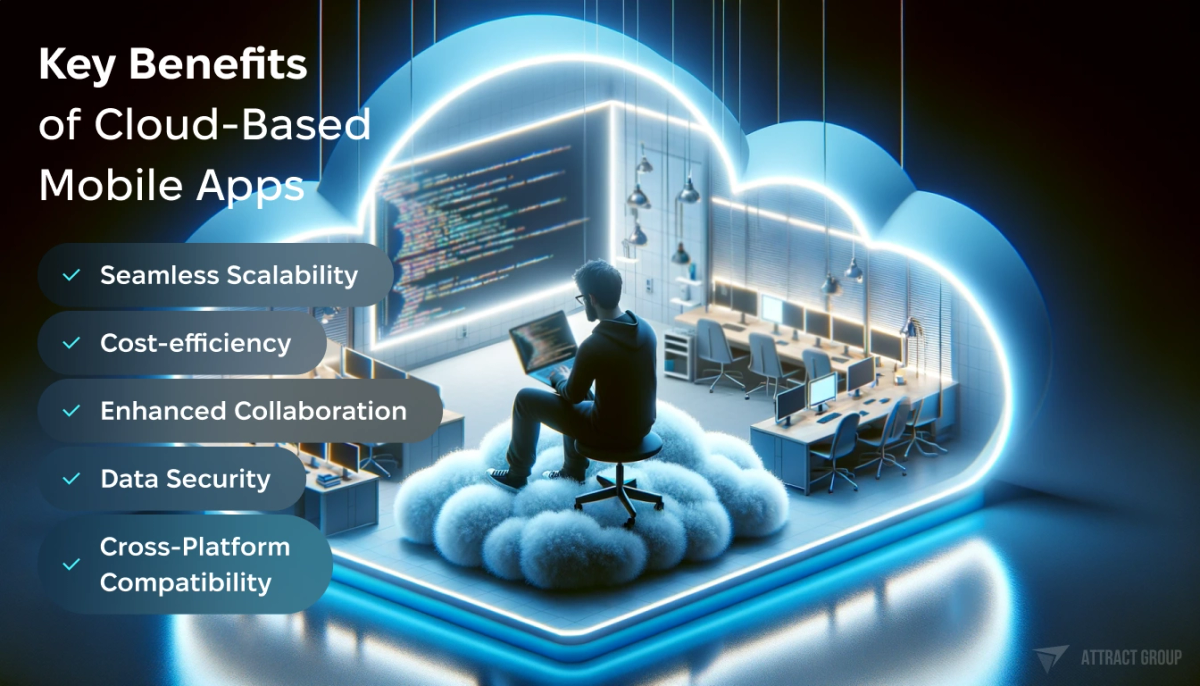
Key Benefits of Cloud-Based Mobile Apps
The practical decision is what should be managed by a cloud platform, what should be custom, what compliance limits apply, and how the system will behave when usage, data volume, or integration load increases. That choice affects delivery speed, operating cost, release risk, and future ownership.
When a mobile app should use cloud computing
A mobile app should use cloud services when users need data across devices, accounts, notifications, shared workflows, media storage, realtime updates, integrations, or analytics. Cloud is also the right base when the backend must change faster than the iOS or Android app release cycle allows.
Cloud based mobile app development is useful when the app has one or more of these needs:
- Users sign in and expect the same state on multiple devices.
- The product stores user-generated content, documents, photos, audio, video, or event data.
- Several user roles need access to the same records, such as patient, caregiver, clinician, admin, or merchant.
- The app depends on third-party services: payments, maps, wearables, EHR, ERP, CRM, logistics, or identity providers.
- Push notifications, scheduled jobs, and background processing are part of the product.
- Product teams need analytics, A/B testing, remote configuration, or crash reporting.
- The business expects peaks in demand and cannot size one fixed server for all traffic.
A local-only app may be simpler. Examples include a calculator, a single-user note app with no backup, a field tool that exports files manually, or a prototype made only for demo use. Even then, teams often add cloud later for backup, account recovery, and usage metrics.

Choosing Between Google Cloud, AWS, and Azure for Your Mobile App
Offline behavior deserves early attention. Mobile users lose signal in elevators, hospitals, warehouses, trains, and rural areas. A good cloud plan defines what the app can do offline, which records are cached, how conflicts are resolved, and what happens when two users edit the same item. Offline-first sync takes more planning than a simple API call, but it can decide whether the app feels dependable in real use.
For startups, cloud also changes how the MVP is scoped. The first release may use managed auth, managed storage, and a simple database. Later releases may add custom domain logic, event queues, reporting pipelines, and admin portals. That phased approach avoids heavy backend work before the product proves demand. It also keeps the path open for stronger security and compliance when the app starts handling sensitive data.
Cloud architecture choices for mobile apps
Choose the backend pattern based on product risk, integration depth, data model, compliance needs, and team maturity. Firebase or another MBaaS can speed up early releases. A custom cloud backend gives more control. A hybrid model often fits products that need fast mobile features plus regulated workflows or complex business logic.

Building Scalable Mobile Apps on the Cloud
| Architecture option | Best fit | Tradeoffs | Watchouts |
|---|---|---|---|
| Firebase or MBaaS | MVPs, chat, simple realtime data, push notifications, basic auth, analytics, prototypes that need speed | Faster setup, less backend code, built-in SDKs, lower starting effort | Pricing can rise with reads, writes, storage, and traffic. Data models may be hard to change later. Vendor-specific SDKs can create lock-in. |
| Custom cloud backend on AWS, Azure, or GCP | Marketplaces, healthcare, fintech, logistics, SaaS companion apps, complex permissions, custom workflows | More control over APIs, data model, performance, security, and integrations | Requires backend, DevOps, monitoring, testing, incident response, and release discipline. |
| Hybrid approach | Apps that need fast mobile functions plus custom business logic, admin tools, data pipelines, or compliance boundaries | Can use managed auth, push, storage, and analytics while keeping core domain logic custom | Architecture can become messy if ownership, data flow, and failure handling are not defined. |
A mobile backend as a service works well when the product can accept the provider's data model and rules engine. Firebase is the common example. The Cloud Firestore documentation describes it as a flexible, scalable database for mobile, web, and server development, with realtime listeners, offline support, and links into Firebase and Google Cloud services. Those traits are useful for messaging, status updates, collaborative views, and fast MVPs.
Managed platforms can become restrictive when the app needs advanced permissions, audit trails, complex reporting, data residency controls, or deep integration with enterprise systems. In those cases, a custom API layer gives the business more control. The mobile app talks to backend services through documented APIs. The backend owns validation, permissions, data storage, integration logic, queues, and observability.

Cloud Storage Solutions for App Data Management
A practical review should use architecture questions rather than provider loyalty:
- What data is stored on the device, in the backend, and in third-party systems?
- Which operations need realtime sync, and which can run later?
- How will roles and permissions change over time?
- What API versioning plan protects old app versions?
- What cloud services are managed, and what code does the team own?
- How are background jobs, webhooks, retries, and failed messages handled?
- Can another team take over the system with clear documentation and infrastructure scripts?
The AWS Well-Architected Framework is a useful review model even if the final platform is not AWS. Its six pillars are operational excellence, security, reliability, performance efficiency, cost optimization, and sustainability. For mobile backends, that translates into release automation, access control, backups, caching, autoscaling, cost alerts, and clear runbooks.
In RAE Health, the product connects wearable data, mobile UX, caregiver and provider visibility, and a web clinical portal. The stack includes Flutter/Dart, Java/Spring Boot, PostgreSQL, Redis, AWS S3, Lambda, DynamoDB, ECS, RDS, Cognito, SQS, Jenkins, Terraform, Semgrep, Docker scan, Trivy, and Grafana. That mix reflects a healthcare-grade pattern: mobile access, controlled identity, durable storage, async processing, infrastructure automation, and monitoring.
In SleepTrack, the product uses a Flutter iOS and Android app, React.js web components, and Fitbit API integration. It supports manual input, automated data transfer, notifications, gamification, user testing, and an MVP launch in 3 months. This is a different cloud pattern: move fast, integrate with a wearable API, and keep the backend lean enough to validate behavior before expanding scope.
If your team already has native mobile talent but limited backend operations capacity, start with managed components. If the product is data-sensitive, integration-heavy, or expected to become a platform, invest earlier in backend architecture and DevOps and cloud practices.
Cost drivers in cloud-based mobile app development
Cloud cost grows through usage volume, inefficient data access, media storage, logs, network traffic, managed service tiers, environments, and engineering operations. The cheapest first setup can become expensive if the data model causes excessive reads, every image is stored at full size, or monitoring is added after launch.
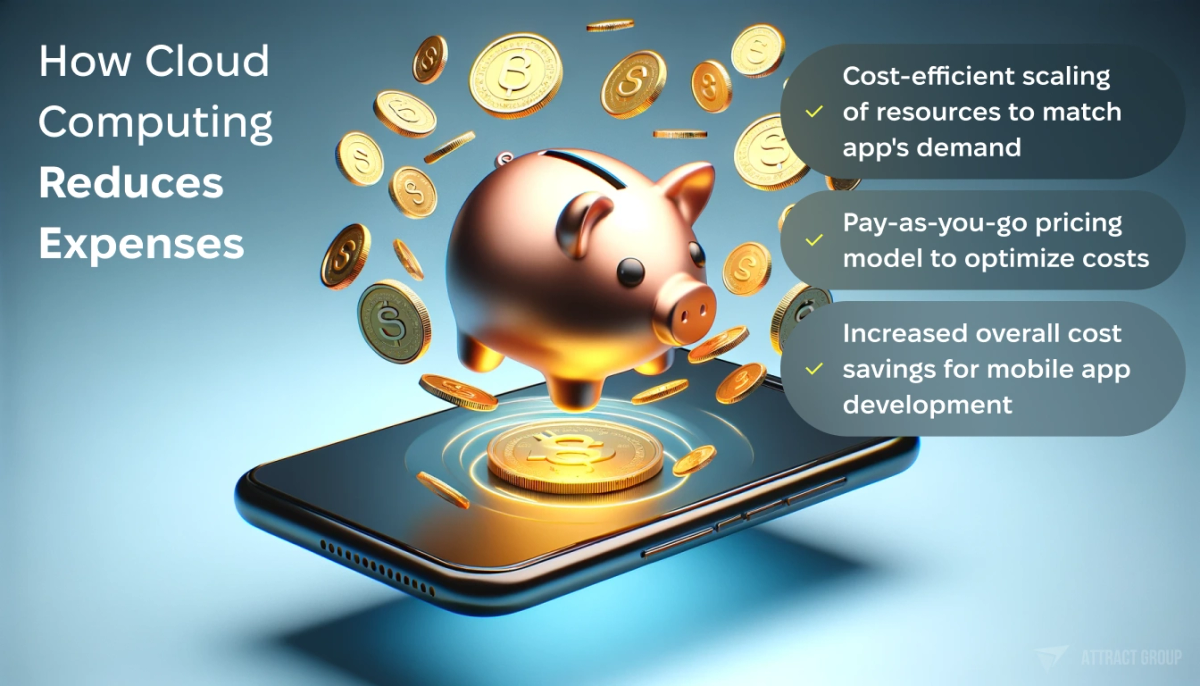
Cost-Effective Development: How Cloud Computing Reduces Expenses
| Cost driver | Why it grows | Control measure |
|---|---|---|
| Database reads and writes | Realtime screens, chat, feeds, polling, and poor query design can multiply operations | Design access patterns early, use pagination, cache repeated data, and test with realistic usage |
| File and media storage | Photos, videos, PDFs, logs, and backups expand quickly | Compress media, set lifecycle policies, separate originals from thumbnails, delete abandoned files |
| Network traffic | Large API responses, video, frequent sync, and global usage increase transfer costs | Use CDN, compression, response shaping, delta sync, and regional planning |
| Serverless functions and jobs | Retries, scheduled tasks, image processing, notifications, and webhooks add invocations | Set retry limits, use queues, batch jobs where safe, and monitor execution time |
| Push, analytics, and third-party APIs | Per-event pricing and high event volume can rise after growth campaigns | Track event volume, remove noisy events, sample where suitable, and set budgets |
| Environments | Dev, QA, staging, demo, and production may duplicate services | Use right-sized environments, automated shutdown for non-production, and separate quotas |
| Observability | Logs, traces, metrics, and retention policies can become a large bill | Define retention by risk, filter noisy logs, and alert on abnormal growth |
| Compliance and security tooling | Scanning, audit trails, backups, encryption services, and monitoring add cost | Budget for them from the start instead of treating them as post-launch extras |
Cost planning should start before sprint one. A backend estimate should include managed services, developer time, DevOps setup, monitoring, security scanning, backups, test environments, and support. For an MVP, the monthly cloud bill may be low. The larger cost is usually engineering time spent making the wrong first architecture safe for production.
Use these controls early:
- Define expected usage scenarios: daily active users, peak sessions, files per user, sync frequency, notification volume, and third-party API calls.
- Create budgets and alerts in the cloud account before launch.
- Tag resources by environment and feature area, so waste can be traced.
- Review database access patterns with mobile screens, not abstract tables.
- Build dashboards for latency, errors, queue depth, storage growth, and cost changes.
- Make non-production environments smaller than production unless performance testing needs the same size.
- Review the bill after every release that changes sync, media, analytics, or background jobs.
The cost of switching platforms also matters. If the first version depends deeply on one provider's SDKs, security rules, and database behavior, migration later may need backend rewrites and app updates. Lock-in is not always bad. It is acceptable when speed matters and the business understands the trade. It is risky when the product already has enterprise buyers, regulated data, or a long roadmap of custom workflows.
Need a cloud-ready mobile app plan?
We can map backend scope, integrations, security needs, and rollout phases before development starts.
Boost efficiency with customized mobile apps
Our expert developers leverage cloud computing to build scalable, high-performance mobile apps tailored to your business needs
Security and compliance decisions for cloud mobile apps
Cloud mobile app security starts with identity, API protection, data handling, device storage, monitoring, and compliance boundaries. The backend must assume mobile devices can be lost, rooted, jailbroken, proxied, or running old app versions. Good security is designed into flows, not added through one final checklist.

Ensuring Data Protection and Compliance in the Cloud
A practical security plan covers these areas:
- Authentication should use proven identity services where possible, with secure password flows, social login, enterprise identity, MFA, and session controls based on product risk.
- Authorization cannot rely on hidden mobile screens. Every backend endpoint must verify what the user can access and change.
- API security should cover TLS, rate limits, schema validation, replay protection where needed, and clear error handling. Avoid exposing internal IDs when they create enumeration risk.
- Data stored on the device should use secure OS storage for tokens and sensitive records. Limit offline cache content when the phone may be shared, stolen, or managed by an employer.
- Data stored in the cloud should be encrypted, separated by duty, protected by restricted admin access, and covered by access logs for protected records.
- Secrets belong outside mobile apps and repositories. Rotate server-side secrets and use managed secret storage.
- App integrity checks help when tampering risk is high enough to justify the extra work.
- Monitoring should cover auth failures, abnormal API use, data export volume, admin actions, and failed background jobs.
The OWASP MASVS is a strong baseline for mobile app security testing. It covers areas such as storage, cryptography, authentication, network communication, platform interaction, code quality, and resilience. Use it to set acceptance criteria for releases, especially when the app handles health, finance, location, children, workplace, or identity data.
Compliance decisions should be made before the database schema is fixed. Ask where data must live, how long it must be retained, who can access it, how users request deletion, and what audit records are required. Data residency can affect cloud region selection. Healthcare workflows may require stricter access logging, stronger identity controls, and business agreements with service providers. Payment workflows should avoid storing card data unless there is a clear compliance reason and the team is ready for the burden.
Cloud security also includes old app versions. Mobile apps remain on user phones after backend releases. API versioning, feature flags, forced upgrade rules, and deprecation windows protect the backend from outdated clients. Without that plan, a security fix can break old users or leave a weak endpoint open for too long.
How to choose a development partner for cloud mobile app development
Choose a partner that can design the mobile app, backend, cloud infrastructure, security model, and release process as one system. The right team asks about roles, data, integrations, failure modes, cost limits, and ownership before writing code. Avoid vendors that treat cloud setup as a deployment task only.

Cloud Infrastructure: Facilitating Seamless Remote Collaboration
For mobile app development with cloud components, the vendor should be able to explain the backend in business terms and technical terms. You should hear how sign-in works, where data lives, what happens when a third-party API fails, how releases are tested, and how the cloud bill is monitored.
Use these questions in vendor selection:
- Which parts of the backend should be managed services, and which should be custom code?
- What assumptions drive the cost estimate?
- How will offline mode and sync conflicts work?
- How will old mobile app versions remain compatible with new backend releases?
- What is the plan for logging, monitoring, alerting, and incident response?
- How will infrastructure be documented and provisioned?
- Who owns the cloud accounts, source code, CI/CD pipelines, domains, analytics, and third-party credentials?
- What is the exit plan if another team takes over?
- How are security reviews, dependency scans, container scans, and penetration testing handled?
- What data residency or compliance constraints affect region, storage, access, and backups?
The handoff package matters. It should include architecture notes, API documentation, infrastructure scripts, environment setup, deployment instructions, monitoring dashboards, runbooks, backup and restore steps, third-party account inventory, and cost-control settings. For an existing system, a cloud migration review should also cover data transfer risk, cutover plans, rollback, downtime tolerance, and testing.
If the app uses cross-platform mobile technology, backend design still drives much of the product risk. A Flutter app can ship one UI codebase to iOS and Android, but identity, sync, integrations, notification logic, and analytics still depend on cloud architecture. That is why mobile and backend planning should happen together rather than in separate tracks.
Innovate faster with cloud-based development
Our agile development teams utilize the power of the cloud to rapidly build, test, and deploy innovative mobile apps
FAQ
The FAQ below answers common planning questions from founders, CTOs, and product leads comparing managed backends, custom cloud services, cost exposure, and security requirements. Use it as a short checklist before you approve architecture, budget, timeline, and vendor responsibilities for a mobile product.
What is cloud computing in mobile app development?
It is the use of cloud-hosted services to support a mobile app's backend needs: authentication, databases, file storage, APIs, notifications, analytics, background jobs, admin tools, integrations, and monitoring. The mobile app remains on the device, while shared logic and data run in cloud services.
Is Firebase enough for a production mobile app?
Firebase can be enough for many production apps, especially products that need fast development, realtime updates, offline support, push notifications, and analytics. It may be a poor fit when the app needs complex permissions, strict compliance, custom reporting, enterprise integrations, or a data model that does not fit the platform well.
When should we choose a custom cloud backend?
Choose a custom backend when the product has complex business rules, sensitive data, advanced roles, regulated workflows, heavy integrations, or long-term platform plans. A custom backend also helps when you need stronger control over API behavior, database structure, audit logs, deployment process, and portability.
How does cloud affect mobile app cost?
Cloud affects both build cost and operating cost. Managed services can reduce early engineering effort, but usage fees grow with database operations, storage, traffic, serverless jobs, analytics events, logs, and third-party API calls. Cost control requires usage estimates, budgets, alerts, right-sized environments, and regular reviews after releases.
What should be secured first in a cloud mobile app?
Start with authentication, authorization, API validation, secure token storage, encrypted cloud data, secrets management, logging, and monitoring. Then add controls for device risk, admin access, data retention, compliance, backups, and old app versions. Security testing should be part of the release process, not a final phase.
Can we move from MBaaS to a custom backend later?
Yes, but the effort depends on how deeply the app uses provider-specific SDKs, database rules, realtime listeners, auth flows, and cloud functions. If migration is likely, define API boundaries early, keep business logic out of client code where possible, and document data models carefully.
What should be included in the first cloud architecture workshop?
Cover users, roles, data types, offline needs, integrations, compliance constraints, expected traffic, media volume, analytics, admin workflows, cost limits, release process, and support model. The output should be a backend scope, architecture option, risk list, cost assumptions, and phased delivery plan.